

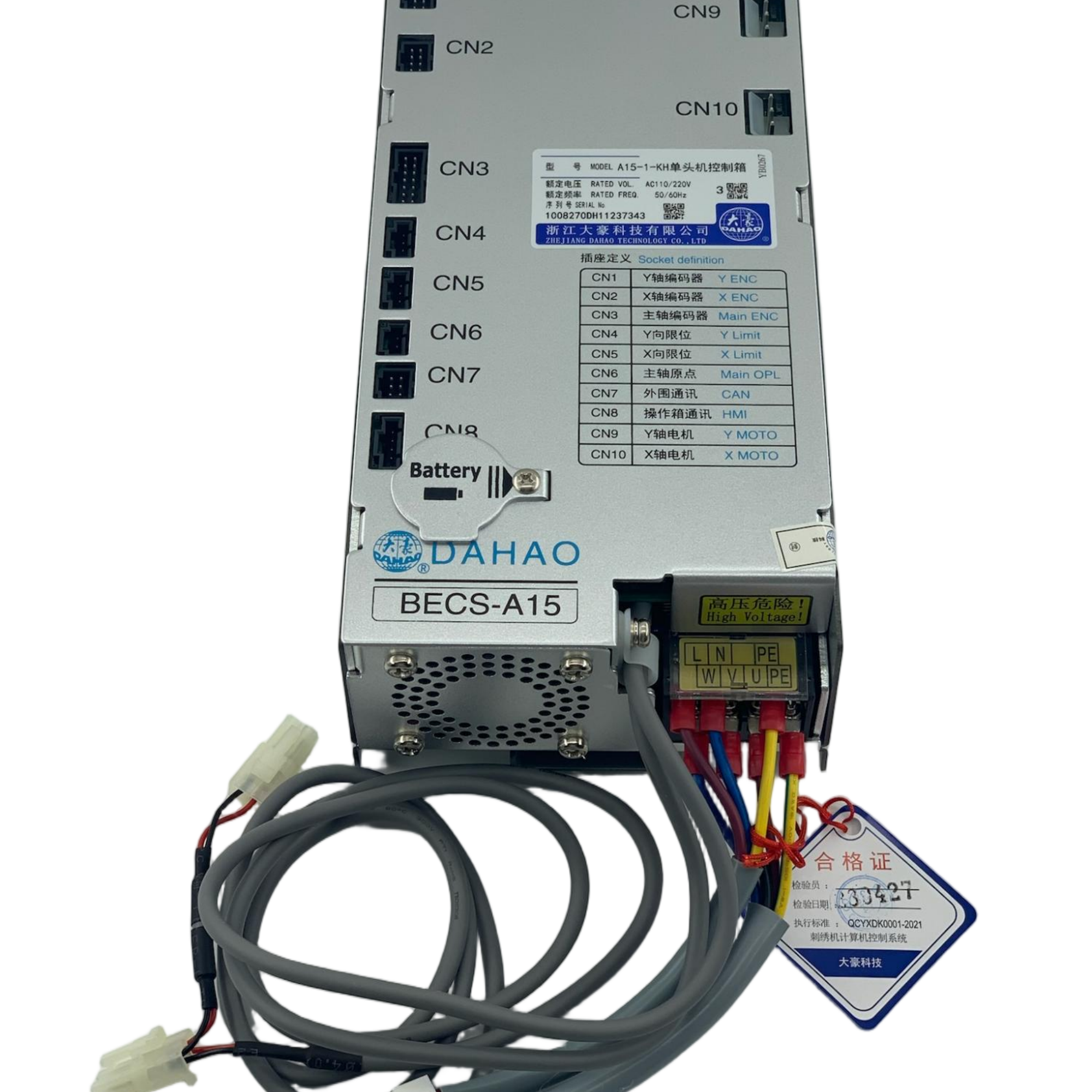
DaHao A15Plus Operation Box — Original Control Panel Unit with USB, Silver Housing
What’s in the box: 1 × A15 PLUS operation box with mounting bracket
Installation notes 1. Power off the machine. 2. Disconnect the old box’s harness, noting connector positions. 3. Mount the new box on the bracket; fix with corner screws. 4. Reconnect harnesses and power on. 5. Verify display, keys, USB reading, and start/stop functions before production.
Care & handling - Clean the screen and keys with a soft dry cloth. - Do not spray liquids into the USB port or key gaps. - Avoid striking the housing; the screen is the most fragile part.
| Brand | DaHao |
| Model | A15 plus KH、BH、H |
| Housing | Matte silver, rounded industrial design |
| USB port | Yes (pattern data) |
| Mounting | Factory bracket + corner screws |
| QC mark | Factory inspection sticker |
| Compatible system | CHINA MACHINES |